Text +1 (213) 928-7320
Let's chat!

How to choose the best locations for phone charger kiosks
Foot traffic, dwell time and battery urgency decide whether a kiosk gets rented dozens of times a day or collects dust. Here is how to find the spots where all three meet, in five steps.

The verdict
Ninety-three percent of Americans feel anxious when their phone battery runs low. Gen Z starts worrying at 44%, millennials at 43%, and even Baby Boomers start scanning for outlets at 34%. For a venue operator or distributor, that anxiety is demand, and the difference between a kiosk that earns and one that sits idle comes down to placement.
Why placement matters more than anything else
Placement has to line up three things at once.
- Foot traffic volume More people passing means more people who will notice the kiosk in the moment their battery drops. Even a small conversion rate adds up when the volume is high.
- Dwell time The longer visitors stay near the kiosk, the more likely one of them will eventually need a charge.
- Need urgency How likely someone is to suddenly need power at that exact point in their visit.
Where kiosks perform best
Before you walk a single venue, know where each venue type concentrates its dwell time and where people are moving too fast to stop.
Venue | Best placement zones | Avoid
Airports and transit hubs | Gate seating, food court edges, baggage claim | TSA queues, main walkways
Shopping malls | Food courts, benches near anchor stores | Center of walkways
Hospitals | ER waiting areas, clinic lobbies, cafeterias | Clinical corridors
Stadiums and arenas | Concession concourses, entry plazas, fan zones | Seating bowl, tunnels
Bars and nightlife | By the bar, entrance and coat check, lounges | Dance floor
Hotels and conference centers | Lobby near check-in, registration, breakout halls | Guest-room corridors
The 5-step placement process
Step 1: Quantify the foot traffic
Use venue-provided data, a third-party foot traffic tool, or a manual count during peak hours. At a minimum you need the daily average visitors, the hourly peak windows, and the share of visitors who pass the proposed kiosk spot.
For context, a busy Walmart sees roughly 161,000 visitors a month and a mid-tier restaurant about 5,000. Match expectations to the venue category, and never assume a venue is high-traffic because it feels busy.
What to collect
- Daily average visitors
- Hourly peak traffic windows
- Share of visitors passing the exact spot
Step 2: Map the dwell zones
Walk the venue during peak hours and note where people stop, sit, wait and linger. Those are your candidate spots.
Common dwell zones are seating areas, queuing lines, food and beverage areas, waiting rooms, and lobby or reception areas. Overlay them on your foot traffic data. The intersection is where kiosks belong.
What to collect
- Seating areas and lounges
- Queues and food lines
- Waiting rooms and lobbies
Charging is an impulse. People rarely plan to rent a charger, they notice the battery drop and look for the nearest fix. If the kiosk is not visible at that moment, it does not exist to them.
Step 3: Assess the demographic & urgency fit
Look at the typical visitor. Audiences under 40 feel battery anxiety earlier and are more likely to rent a charger, and tech-savvy, socially active crowds convert best.
Then check visit length. Under 30 minutes, urgency stays low. At two hours or more, a meaningful share of visitors will need a charge before they leave.
What to collect
- Visitor age and profile
- Average visit length
- Phone-heavy activities on site
Step 4: Check the competition & alternatives
Survey the venue for existing charging options: free public outlets, a competing kiosk provider, or wireless charging built into tables.
Each one lowers the urgency for your kiosk. The ideal location pairs high need with few existing solutions.
What to collect
- Free wall outlets
- Competing kiosks
- Built-in table charging
Step 5: Negotiate placement, not just access
Getting into a venue is half the battle. Where the kiosk sits inside it decides how it performs, so negotiate for specific high-traffic, high-dwell zones instead of accepting whatever spot is offered.
Bring your foot traffic and dwell analysis to the table, since data gives you leverage for premium placement. After launch, treat placement as an ongoing experiment: moving a kiosk 50 feet can change its utilization dramatically.
What to collect
- Named zones in the agreement
- Data-backed placement request
- A plan to review usage and reposition
The advertising revenue layer
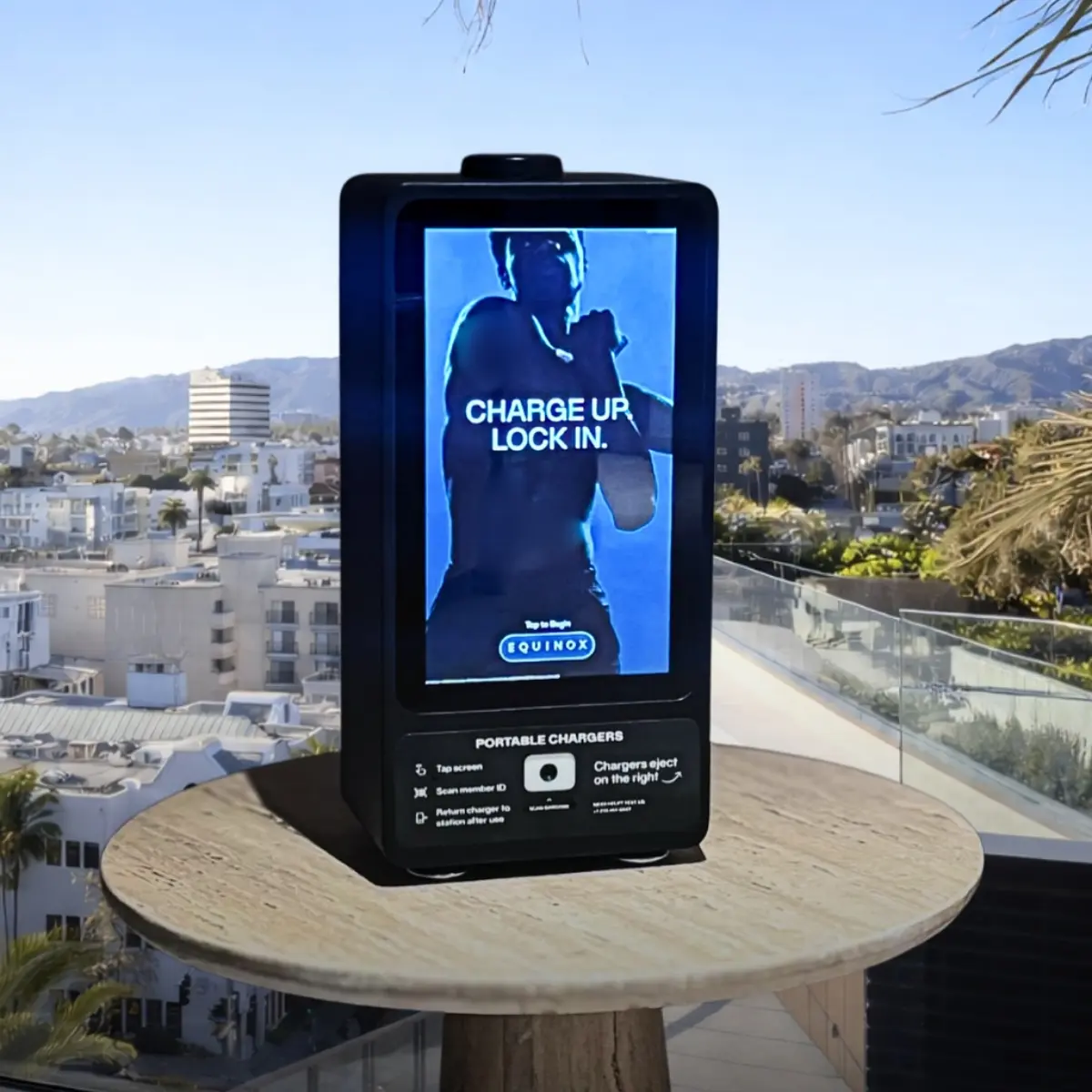
Kiosks with digital screens add a second revenue line. DOOH advertising CPMs run from $2 to $15 depending on venue and audience, with programmatic DOOH averaging $7.24 per thousand impressions. And a renter stands at the screen for 15 to 30 seconds, far longer than anyone looks at a billboard, so price a premium lobby placement on rental and advertising revenue together.
What makes a good location for a phone charger kiosk?
The best locations combine three things: high foot traffic, long dwell time, and a moment where visitors urgently need power. A spot that has only one of the three usually underperforms.
Where should a kiosk go inside an airport?
Gate-adjacent seating, food court perimeters and baggage claim perform best, because travelers sit for 20 to 40 minutes or have just been offline on a flight. Avoid security queues and main walkways, where people are moving too fast to stop.
How much foot traffic does a kiosk location need?
It depends on the venue type. A busy big-box store sees around 161,000 visitors a month while a mid-tier restaurant sees about 5,000, so compare a location against others in its own category rather than against a single benchmark.
Can a charging kiosk also earn advertising revenue?
Yes. Kiosks with digital screens sell DOOH advertising at CPMs of roughly $2 to $15, and renters face the screen for 15 to 30 seconds during a rental, which makes those impressions more valuable than most out-of-home placements.
What should I do if a kiosk is underperforming?
Check placement before assuming low demand. Usage data will show whether the spot is the problem, and moving a kiosk as little as 50 feet can change its utilization. Factor in seasonal swings too, such as campuses during breaks.
Keep reading
All articles