Text +1 (213) 928-7320
Let's chat!

How to Keep Your Phone Charged at a Concert or Festival
A dead phone at a show means no ticket, no photos and no easy way to find your friends. Here is what to pack, which settings to change before doors open, and where to get a charge when your battery runs low.

The verdict
The short answer: start at 100%, pack a charged power bank and the right cable, and turn on Low Power Mode (iPhone) or Battery Saver (Android) before doors open. If you still run low, rent a portable charger at the venue and keep watching.
- Before you leave Charge your phone and power bank to full, and install updates a day early so the battery has time to settle.
- During the show Low Power Mode, a dimmer screen and shorter videos make every percent last longer.
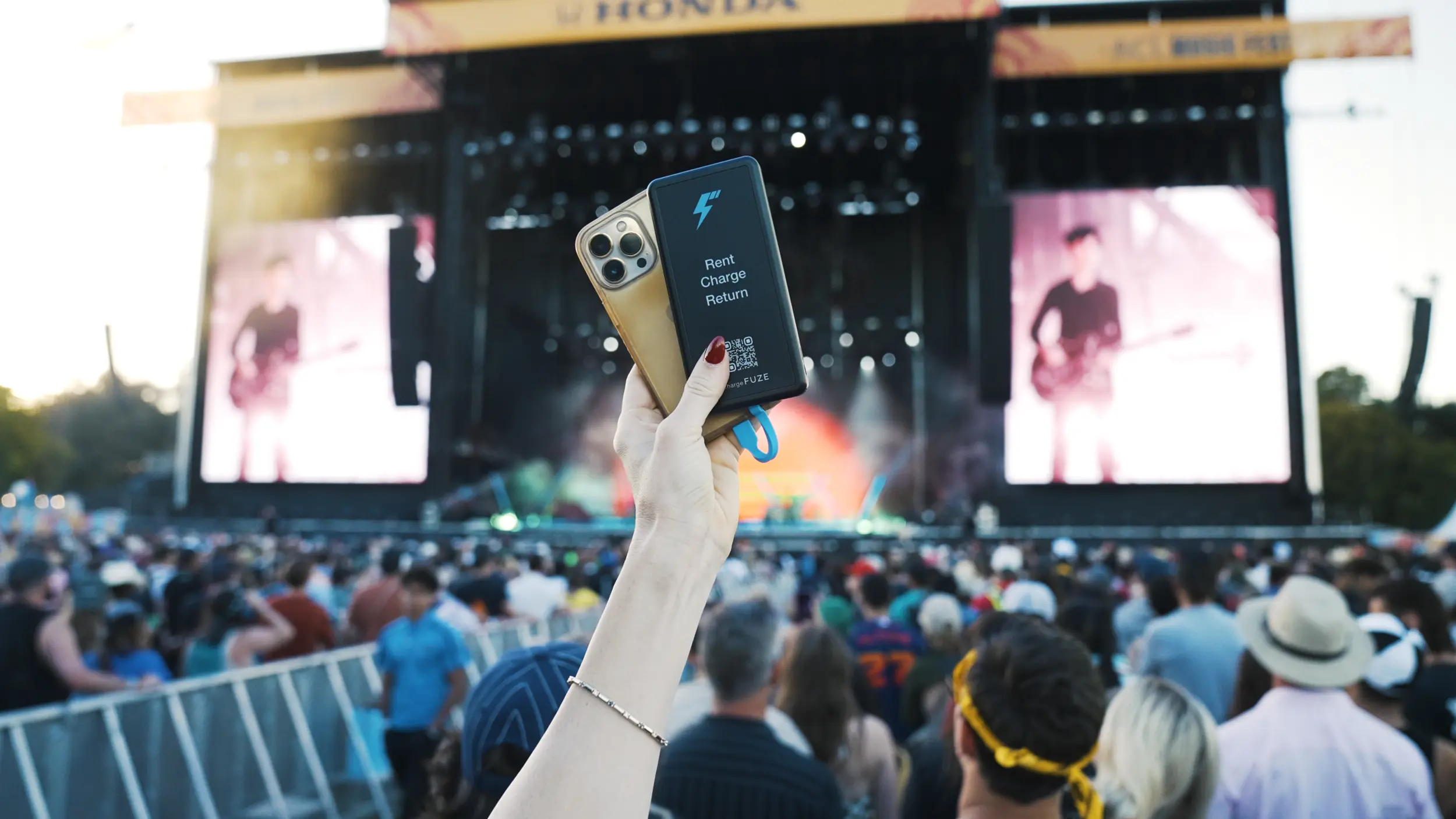
- When you run low Rent a portable charger at the venue, keep watching, and return it to any chargeFUZE station at the event.
9 in 10 people in an LG survey of U.S. smartphone users said they felt panic when their phone battery dropped to 20 percent or lower
5 steps to a phone that lasts the whole show
Step 1: What to bring to a concert to stay charged
Most lists of what to bring to a concert stop at the ticket and the outfit. For staying charged, three concert essentials do the heavy lifting: a fully charged power bank, a short cable that fits your phone, and a bag small enough to clear the gate.
Check the event's allowed items page before you pack. Many festivals welcome battery packs. NBC Chicago's rundown of Lollapalooza's 2026 rules listed portable battery packs among the permitted items, and Pilgrimage Festival's FAQ lists mobile phones and chargers as allowed. Bag rules matter just as much. Lollapalooza 2026 asked for bags smaller than 12 by 6 by 12 inches, and any bag larger than 6 by 9 inches had to be clear, so a brick-sized battery may not make the cut.
Keep your concert bag essentials light: phone, power bank, cable, ID, a payment card and your ticket saved to your phone's wallet. If your phone gets hot while it charges in a pocket or bag, Apple suggests taking it out of its case first, since charging inside certain cases can trap heat.
Quick wins
- Charge your power bank to full the night before
- Pack a short USB-C or Lightning cable that fits your phone
- Read the event's allowed items and bag rules
Step 2: Charge to full & update before you leave
The best concert tips start at home. Charge your phone to 100% before you head out, and top it up again in the car or at dinner if you can.
Install software updates a day or two before the show, not in line at the gate. Apple says to always keep your device on the latest version of iOS, and Google notes that it is normal for a Pixel battery to drain a little more than usual right after an update while the phone downloads and optimizes the new software.
While you are still on home Wi-Fi, save what you will need offline: your mobile ticket, the festival map and the set times. Apple points out that a Wi-Fi connection uses less power than a cellular network, so big downloads are cheaper before you leave than at the venue.
Quick wins
- Charge to 100% before you leave
- Update iOS or Android a day early
- Save your ticket, map and set times for offline use
Step 3: Turn on low power mode before doors open
Do not wait for the 20% warning. Turning on low power mode the moment you get through the gate saves the most battery, because it starts trimming background work while you still have plenty left.
On iPhone 15 and later, open Settings, tap Battery, tap Power Mode, then turn on Low Power Mode. On iPhone 14 and earlier, the switch sits right under Settings, then Battery. You can also swipe down from the top-right corner to open Control Center and tap the battery icon. Apple says Low Power Mode sets Auto-Lock to 30 seconds, reduces display brightness, turns off some visual effects, pauses iCloud Photos and turns off automatic downloads, email fetch and Background App Refresh. See Apple's battery-saving setting explained for the full list.
On Android, open Settings, tap Battery, then Battery Saver. Menu names can differ by phone maker. Google says Battery Saver turns on Dark theme and limits or turns off background activity. One catch on iPhone: Low Power Mode switches itself off once the phone charges to 80% or higher, so turn it back on after you top up from a power bank.
Quick wins
- Turn it on at the gate, not at 20%
- iPhone: Settings, Battery, Power Mode
- Android: Settings, Battery, Battery Saver
Low Power Mode does not lock you out of your phone. Apple says you can still make calls, send messages and get online. It pauses iCloud Photos, so your concert shots upload later instead of during the set.
Step 4: How to make phone battery last longer in a crowd
If you are wondering how to make phone battery last longer once the show starts, the answer is mostly your screen, your camera and your signal. Here is how to save phone battery in a packed venue, using the steps Apple and Google recommend.
Dim the screen. Both companies put brightness near the top of their lists. On iPhone, drag the brightness slider down in Control Center, or turn on Auto-Brightness under Settings, Accessibility, Display & Text Size. Google also suggests letting your screen turn off sooner and using Dark theme.
Watch your signal. Apple notes that a phone in a poor coverage area keeps searching for a better signal, which drains the battery, and suggests Airplane mode. Use it between sets, then switch it off when you need to text your group. Google adds using Wi-Fi instead of mobile data and turning off Bluetooth and Location when you do not need them. Keep Location on if you are sharing it with friends, since some features stop working without it.
Film in short clips. Google's list of battery drains includes heavy camera use, streaming video or music, and long stretches of GPS navigation. Record the chorus, not the whole set, and skip the livestream.
Keep it cool. Apple says iPhone works best between 32 and 95 degrees Fahrenheit and warns that heat above 95 degrees can permanently damage battery capacity. Google says a battery drains much faster when it is hot, even when you are not using the phone. At an outdoor show, keep your phone in a bag or pocket instead of in direct sun.
Quick wins
- Dim the screen or turn on Auto‑Brightness
- Use Airplane mode when your signal is weak
- Shoot short clips instead of full sets
Step 5: Find a power bank rental at the venue
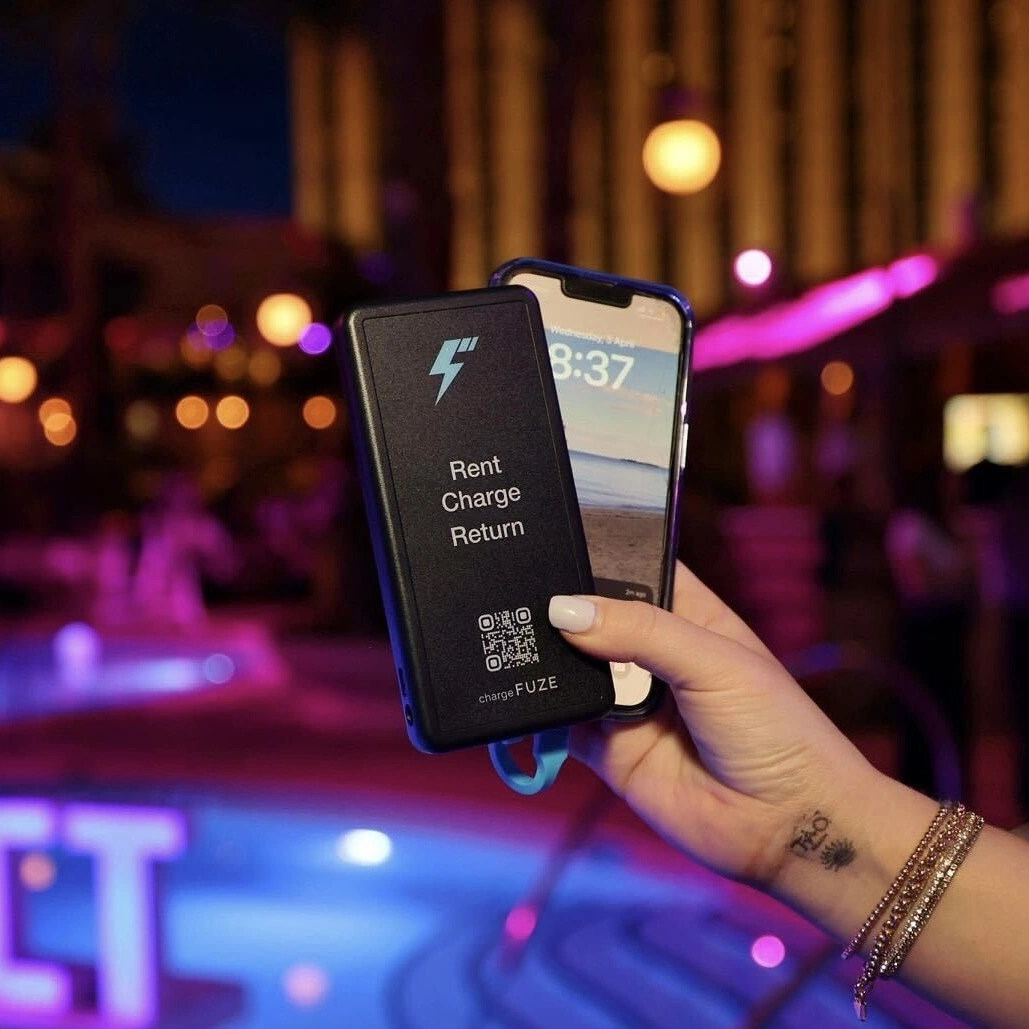
Even with every setting right, a long night can beat your battery. A power bank rental lets you carry a charged battery with you instead of standing next to an outlet. Power bank rental with chargeFUZE comes down to four moves: find, rent, charge and return.
Look for a station in the chargeFUZE app, or find charging stations near you with a charging app before you go. At the kiosk, scan the QR code, tap or insert your card, or follow the on-screen steps. A charger pops out with built-in Lightning, USB-C and Micro-USB cables, so you do not need your own cord. According to chargeFUZE, phones get a nearly full charge in under an hour, and you keep watching the show while it charges.
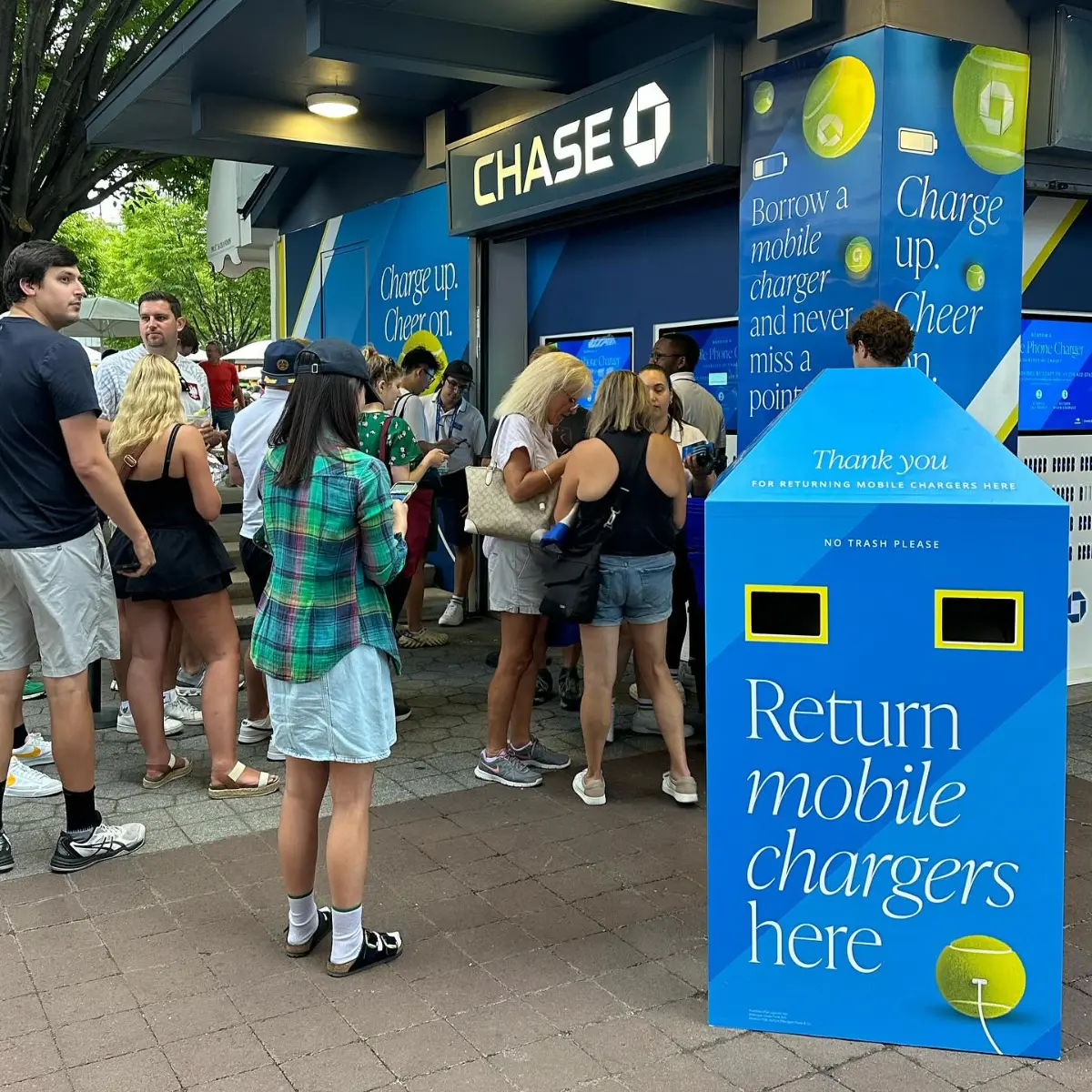
When you are done, return it to any chargeFUZE station at the event, cables facing in, before the rental time in your text message runs out. You get a text confirming the return, along with your total. Pricing is set by each venue: some events charge by rental time, some use one flat rate, and sponsors can make it free. Chase, for example, has offered its cardholders free charging through chargeFUZE at the US Open and Lollapalooza.
"Our guests appreciate this reliable charging solution, allowing them to focus on enjoying matches and events onsite without battery worries." Philippe Dore, Chief Marketing Officer, BNP Paribas Open
Need help during a rental? Text +1 (213) 928-7320. Running an event yourself? Book Your Next Event with chargeFUZE.
Quick wins
- Open the chargeFUZE app to find the nearest station
- Return the charger before your rental time ends
- If a station is full, use the app to find the next one
Festival essentials for multi-day weekends
A three-day weekend is a different problem. You start each day with whatever charge you managed overnight, and the drain adds up. Your festival essentials need a charging plan, not just a power bank.
Start your music festival packing list with the charging basics: a power bank you can recharge every night, a wall plug and cable for your hotel or campsite, and a spare short cable. Add a zip pocket or small crossbody bag that keeps your phone out of the sun.
Before you settle on what to bring to a festival, read that year's allowed items page, since rules change from one edition to the next. And it helps to know why festivals add charging stations: a rental kiosk near the food lines can cover you when your own battery runs out.
Your battery plan for a festival weekend
When | What to do | Why it helps
Night before | Charge your phone and power bank to 100%, install updates, save tickets offline | You start full, and the update settles before the gates open
At the gate | Turn on Low Power Mode or Battery Saver and dim the screen | Background activity and brightness drop before you need the savings
During sets | Shoot short clips and use Airplane mode when the signal is weak | Camera, video and signal searching are big drains
Between sets | Top up from your power bank or a rental, out of the sun | A hot battery drains faster
Last set | Keep about 20% for the ride home and finding your group | Your ride, your ticket and your group chat all run on it
Overnight | Recharge the phone and power bank, then turn Low Power Mode back on in the morning | iPhone turns Low Power Mode off at 80% charge
Sources
- Apple Support, Use Low Power Mode to save battery life on your iPhone or iPad
- Apple, Batteries: Maximizing Battery Life and Lifespan
- Google, Android Help: Get the most life from your Android device's battery
- Google, Pixel Phone Help: Keep Adaptive Battery & battery optimization on
- NBC Chicago, Here's what Lollapalooza 2026 allows you to bring and not bring (July 30, 2026)
- Pilgrimage Festival FAQ, What items am I allowed to bring to the festival?
- LG Electronics Low Battery Anxiety survey, via PR Newswire
- chargeFUZE FAQs, Events FAQ, and the chargeFUZE and Chase free charging announcement
Concert & festival charging questions
Why is my phone battery dying fast at concerts?
A phone battery dying fast at a concert usually comes down to the screen, the camera and the signal. A bright screen, long videos and a phone searching for a better signal are all on Apple's and Google's lists of battery drains, and heat makes it worse. Turn on Low Power Mode or Battery Saver, dim the screen and use Airplane mode when your signal is weak.
Can you bring a power bank into a concert?
Usually, but check first. NBC Chicago reported that Lollapalooza's 2026 rules allowed portable battery packs, and Pilgrimage Festival's FAQ lists mobile phones and chargers as allowed. Rules vary by event and venue, so read the allowed items and bag policy before you go. If you cannot bring one, look for a charger rental at the venue.
How does a chargeFUZE rental work?
Find a station in the chargeFUZE app, scan the QR code or pay at the kiosk, and take the charger with you. It has built-in Lightning, USB-C and Micro-USB cables. Return it to any chargeFUZE station at the event before your rental time ends, and you get a text with your total. A temporary pre-authorization hold is placed on your card when the rental starts. It is not a charge, and it drops off on its own.
Keep reading
All articles